Skip Navigation

Posts
74
Comments
463
Joined
3 yr. ago

howdy

  • You can actually reset the cards the arcana stages give you by completely abandoning your current IT progress. It’s still possible to get the same cards for both stages again because that’s how random works… but usually at least one of them will be different than on your previous attempt.

    I only learned about this last night after I claimed the card 😭

  • I like how the anecdotes are just part of the world so you would be claiming your dailies from Katheryne and suddenly Varka shows up inquiring about his wine shipment.

    It would be so funny if Capitano would suddenly show up right next to you one day lol

  • In the video, it's framed that the world thinks manga is a "uniquely Japanese" thing but the video counters that by using Eike Exner's book on manga history.

    I did not finish the video yet (this is just the first minute or two) but I am going to guess that it's either the Meiji period or the American occupation having influence on how manga eventually developed to what we know today. This is the same argument used by theorists like Azuma Hiroki but he talks about otaku culture more broadly.

    Again, I did not finish it yet so...

  • Genshin Impact @lemmy.world

    Illuga Quick Guide - KQM
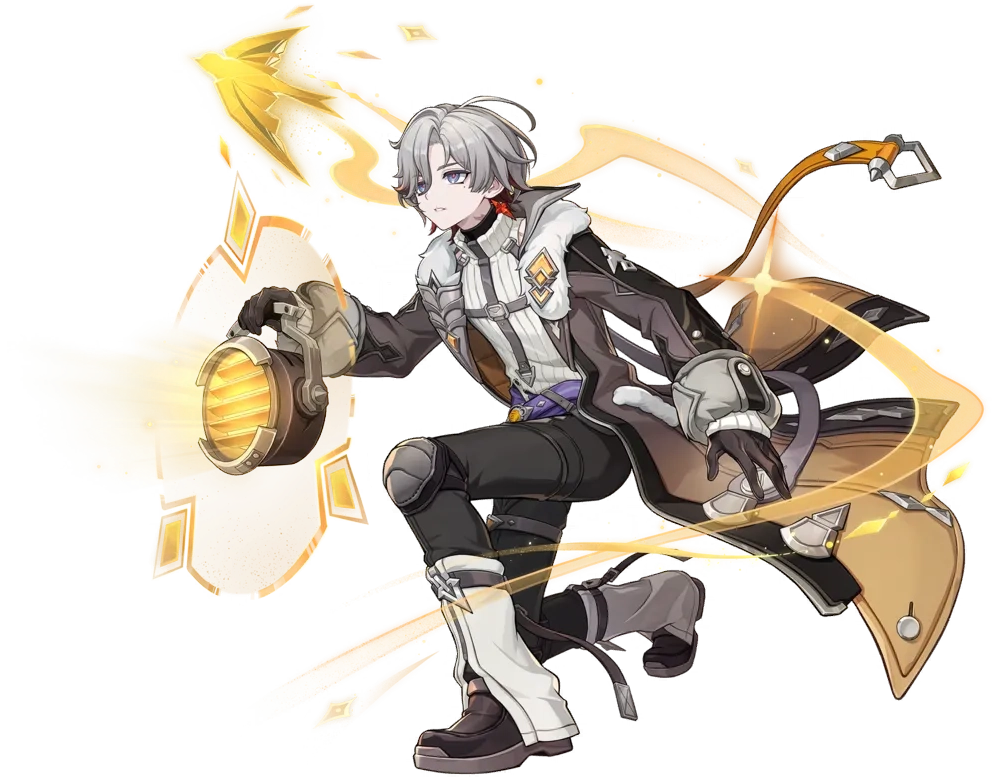
    keqingmains.com /q/illuga-quickguide/
  • Genshin Impact @lemmy.world

    Zibai Quick Guide - KQM
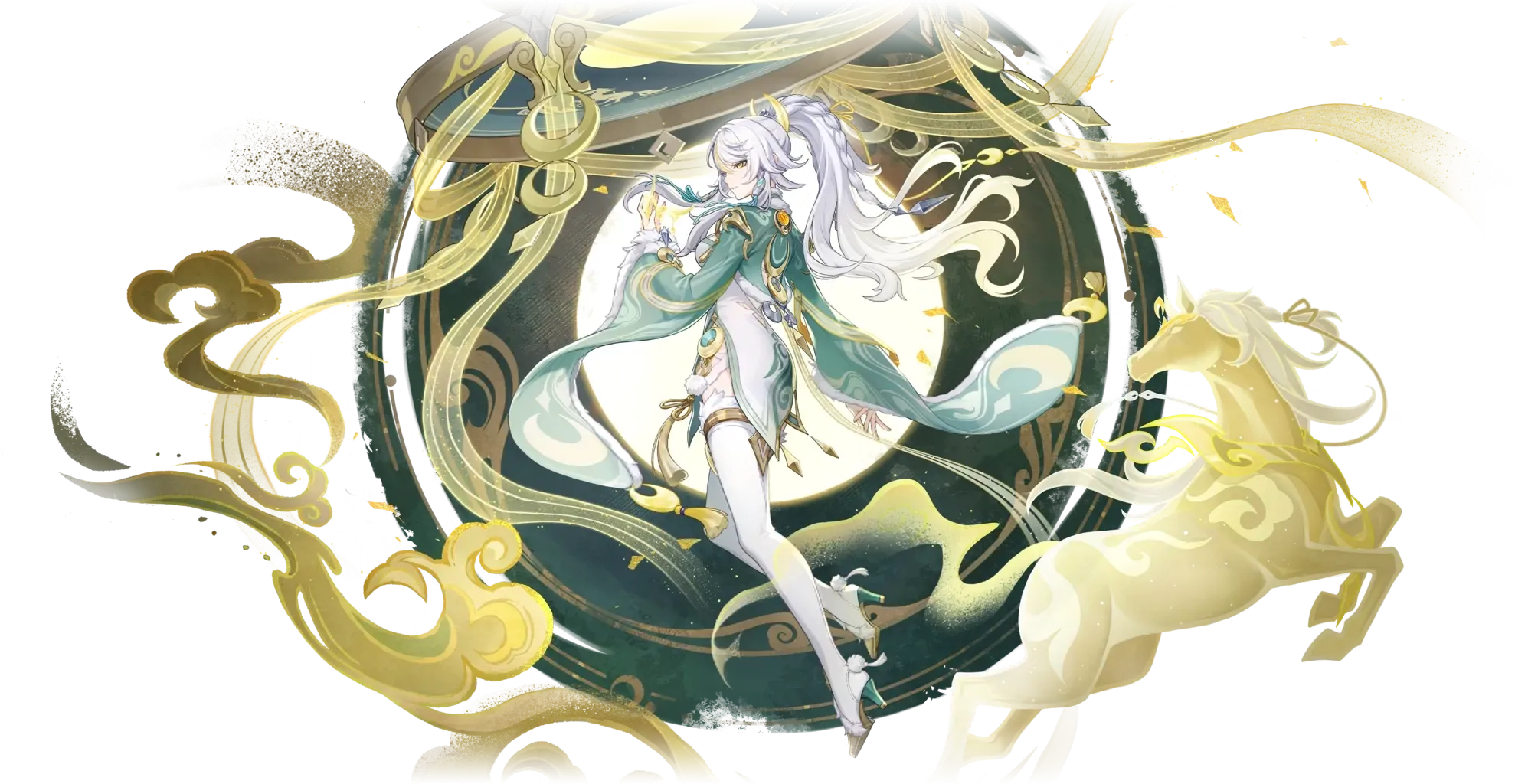
    keqingmains.com /q/zibai-quickguide/
  • 160 pulls :( but Illuga C6, Gorou C6, and Aino C5. It's a big win for the 4 stars.

  • Genshin Impact @lemmy.world

    Version 6.3 Phase 2 Pull Thread

  • Genshin Impact @lemmy.world

    Columbina Quick Guide - KQM
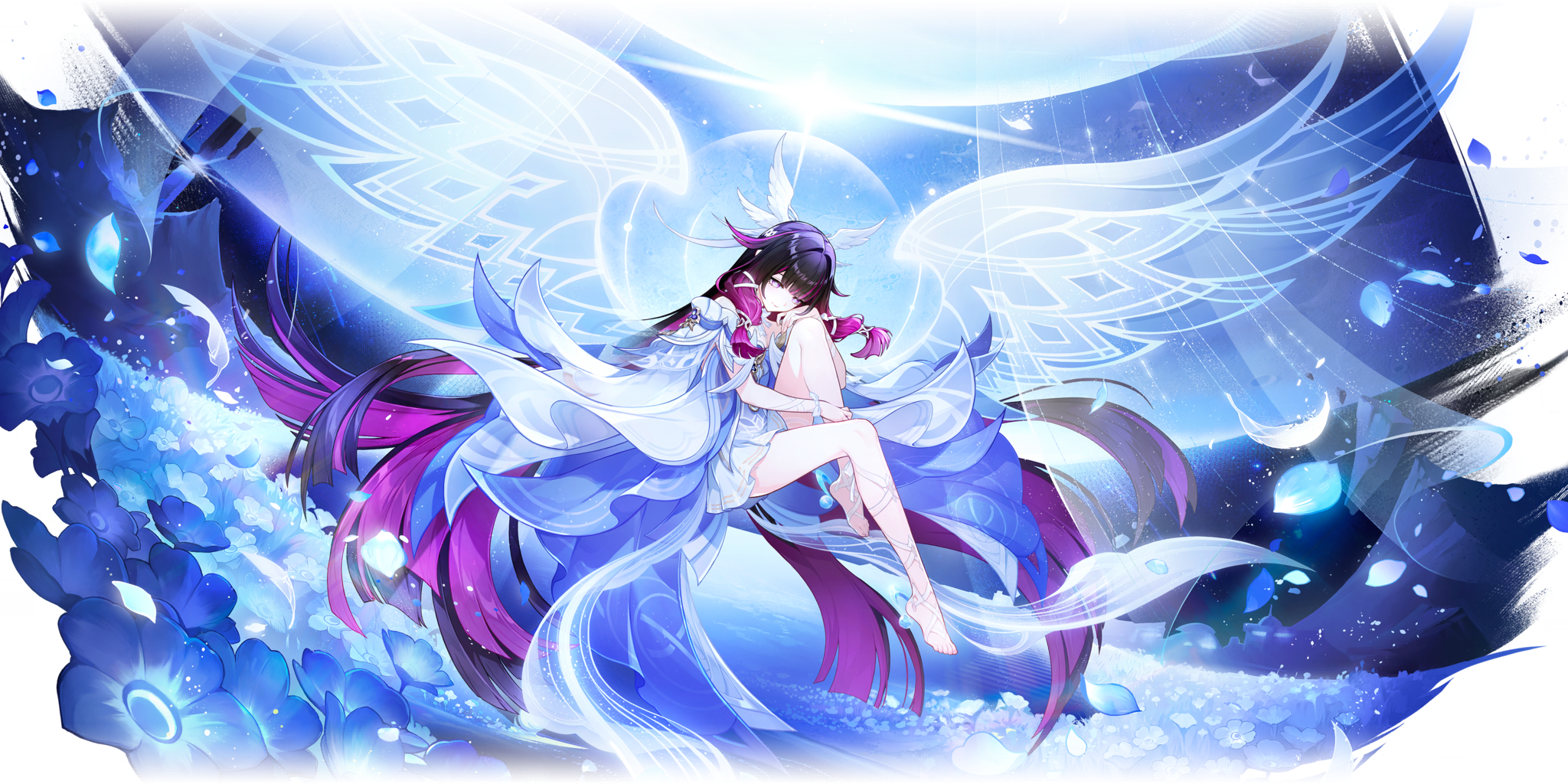
    kqm.gg /q/columbina-quickguide/
  • Deleted

    Permanently Deleted

    Jump
  • I know a lot of people mention plot but plotless movies are also really good. I watched all four of Elia Suleiman's feature-length films recently. They don't really have plot, character development, nor the most impressive cinematography. It does have good choreography though if that makes sense.

  • For those hosting their own PieFed instances, this is very easy to disable (I think it was ALLOW_4CHAN=True in the env). I turned it off because I didn't like the OCR scanning every upload and locking up my tiny 2 core server for a few seconds.

    1. I made a post the other day how Fedora KDE doesn't render CJK fonts properly. MPV also wasn't rendering fonts properly so I had to manually add a font in mpv.conf.

    2. When I installed Fedora KDE, there was a button to enable third party repos. It actually worked but it only enables NVIDIA and Steam repos so I had to go over to rpmfusion to get the ones for non-free ffmpeg.

    3. I have a wireless pen tablet from XP Pen and I need to close and open the XP Pen app to get it to connect every time. It doesn't seem to "wake" automatically whenever I turn my tablet on. (nvm, using OpenTabletDriver instead fixes it)

    4. On Fedora, installing DaVinci Resolve seems tricky. Don't know if I should use davincibox or davinci-helper. (edit: ended up using davincibox and it's pretty ok so far)

    This is my first time using Fedora and KDE on my desktop. It's also been 2 years since I last used Linux on bare metal.

  • UPDATE: In case anyone comes across this thread...

    Fedora KDE really doesn't seem to render Noto Sans CJK JP and KR very well. GNOME and GTK apps can render it fine. I couldn't find a proper fix for it but either one of these workarounds should be good enough:

    1. Set your main font as Noto Sans CJK "Light" --> this looks okay for KDE/Qt but GTK apps will properly render it as "Light"
    2. Use a different font and use fontconfig to prefer those fonts

    Number 2 is a better solution. https://fonts.google.com/ has a bunch of fonts for most languages and many of them have packages in Fedora. In my case, I installed mrsw-biz-* and naver-nanum-* and added this to my fontconfig (~/.config/fontconfig/conf.d/00-preferred-fonts.conf:


    <?xml version="1.0"?>
    <!DOCTYPE fontconfig SYSTEM "urn:fontconfig:fonts.dtd">
    <fontconfig>
    
      <alias>
        <family>sans-serif</family>
        <prefer>
          <family>Noto Sans</family>
          <family>BIZ UDPGothic</family>
          <family>NanumGothic</family>
        </prefer>
      </alias>
    
      <alias>
        <family>monospace</family>
        <prefer>
          <family>Noto Sans Mono</family>
          <family>BIZ UDGothic</family>
          <family>NanumGothicCoding</family>
        </prefer>
      </alias>
    
    </fontconfig>
    
      
  • For all/relevant encodings?

    As far as I understand (Firefox Font settings, using fc-match, fontconfig, etc), it's properly configured.

    Have you considered that maybe Noto developers made a choice there, to render Kanjoi thicker than Chinese characters?

    Assuming you meant Kana (and Hangeul as well), I'm not sure why they would do that because it makes it appear so inconsistent.

    I know, that doesn’t explain why Dolphin would render them in a way that is more pleasing to you. Have you tried using other fonts altogether?

    You mean Firefox (and the Firefox file picker) because Dolphin doesn't render it well at all. I actually tested a few things. I uninstalled the Noto Sans CJK package to see what other fonts it would fall back to. It falls back to Droid Sans and it looks pretty good in my opinion. It doesn't become thick like Noto Sans CJK. So maybe it's really something intentionally done by the Noto developers.

    BUT Noto Sans CJK looks fine in Firefox, LibreOffice, and GIMP.

    A few more things I tested:

    1. Bazzite live ISO on a virtual machine also has thick Kana and Hangeul (problem isn't limited to Fedora KDE?)
    2. Flatpak Strawberry and Dolphin results in Chinese/Kanji becoming thick (???)
    3. Fedora GNOME renders CJK fine (KDE issue?)
    4. Nautilus on Fedora KDE renders CJK fine (Qt issue?)
    5. Changed the fallback font for ja and ko via ~/.config/fontconfig/fonts.conf to Droid Sans Fallback (I also tried setting it to Noto Sans CJK Light), then confirming changes using fc-match. Restarted and cleared fc-cache. Dolphin and Strawberry did not respect my changes. Nautilus does though. (Qt issue?)
    6. Replaced CJK VF fonts with non-VF fonts. No difference.

    Something tells me it's a KDE or Qt thing, or maybe it's a Fedora thing? It works fine with GNOME and GTK apps like Nautilus. This is beyond what I know at this point so I'll just post this over to the Fedora forums.

  • They're both already using Noto Sans. IIRC Firefox has its own way of rendering fonts so it's likely a KDE/Qt font rendering issue.

  • That screenshot was just an example but regardless of whether I set my main font as JP/KR/HK/SC/TC etc, the font appears thicker in its "Regular" style unlike non-CJK Noto Sans.

    Still haven't found a way to fix it but setting Noto Sans CJK Light as my main font is good enough (see the last picture of my post).

    edit: what my config looks like right now:

    Kana and Hangeul look okay with this.

  •  
        
    $ fc-match "default font"
    NotoSans-Regular.ttf: "Noto Sans" "Regular"


    This seems to be correct.


    $ fc-match :lang=ja
    NotoSansCJK-Regular.ttc: "Noto Sans CJK JP" "Regular"


    Also seems to be correct.

    I skimmed through the primer and checked whats on the default fontconfig config:


    $ cat ~/.config/fontconfig/fonts.conf 
    <?xml version='1.0'?>
    <!DOCTYPE fontconfig SYSTEM 'urn:fontconfig:fonts.dtd'>
    <fontconfig>
     <!-- 
     Artificial oblique for fonts without an italic or oblique version
     -->
     <match target="font">
      <!-- check to see if the font is roman -->
      <test name="slant">
       <const>roman</const>
      </test>
      <!-- check to see if the pattern requested non-roman -->
      <test compare="not_eq" name="slant" target="pattern">
       <const>roman</const>
      </test>
      <!-- multiply the matrix to slant the font -->
      <edit mode="assign" name="matrix">
       <times>
        <name>matrix</name>
        <matrix>
         <double>1</double>
         <double>0.2</double>
         <double>0</double>
         <double>1</double>
        </matrix>
       </times>
      </edit>
      <!-- pretend the font is oblique now -->
      <edit mode="assign" name="slant">
       <const>oblique</const>
      </edit>
      <!-- and disable embedded bitmaps for artificial oblique -->
      <edit mode="assign" name="embeddedbitmap">
       <bool>false</bool>
      </edit>
     </match>
     <!--
     Synthetic emboldening for fonts that do not have bold face available
     -->
     <match target="font">
      <!-- check to see if the weight in the font is less than medium which possibly need emboldening -->
      <test compare="less_eq" name="weight">
       <const>medium</const>
      </test>
      <!-- check to see if the pattern requests bold -->
      <test compare="more_eq" name="weight" target="pattern">
       <const>bold</const>
      </test>
      <!--
                      set the embolden flag
                      needed for applications using cairo, e.g. gucharmap, gedit, ...
                    -->
      <edit mode="assign" name="embolden">
       <bool>true</bool>
      </edit>
      <!--
                     set weight to bold
                     needed for applications using Xft directly, e.g. Firefox, ...
                    -->
      <edit mode="assign" name="weight">
       <const>bold</const>
      </edit>
     </match>
     <match target="font">
      <edit mode="assign" name="hinting">
       <bool>true</bool>
      </edit>
     </match>
     <match target="font">
      <edit mode="assign" name="hintstyle">
       <const>hintslight</const>
      </edit>
     </match>
     <match target="font">
      <edit mode="assign" name="rgba">
       <const>rgb</const>
      </edit>
     </match>
     <dir>~/.local/share/fonts</dir>
     <match target="font">
      <edit mode="assign" name="antialias">
       <bool>true</bool>
      </edit>
     </match>
    </fontconfig>


    I tried removing "Synthetic emboldening" here but it doesn't seem to change anything so I put it back. I also tried removing fonts.conf but it still doesn't change anything. My gut feeling is that there is a fontconfig config somewhere changing the way Noto Sans CJK is being rendered in KDE/QT. I just couldn't figure out where or what. The fonts themselves are fine in LibreOffice so I don't think there's any issue with the package.

    Now reading through the primer again, I checked the configs in /etc/fonts/conf.d and found all the configs there. There's a lot so I'll look through it and see which one might be changing the way CJK is rendered.

  • I put it up like this (including just keeping 日本語) and the fonts are still thick :(

  • Linux Questions @lemmy.zip

    How do I fix inconsistent CJK font weights in Fedora KDE?

  • Linux @lemmy.world

    How do I fix inconsistent CJK font weights in Fedora KDE?

  • lol this is the funniest response one could think of

  • Yes but I like red.

  • Genshin Impact @lemmy.world

    Columbina 6.3 Infographic - KQM

  • I dream of the day I get a double 5 star in a 10 pull. Congrats!

  • There's still a lot of time before the banner ends so hopefully you get an early Ineffa o7

  • Lost Durin's banner so I get a guaranteed Columbina! It's funny how she doesn't really have a silhouette because of how big her splash art is lol

  • Genshin Impact @lemmy.world

    Version 6.3 Phase 1 Pull Thread

  • Yeah this week feels really long because of the wait

  • Genshin Impact @lemmy.world

    Character Teaser - "Columbina: Where She Dwells" | Genshin Impact #GenshinImpact #Columbina
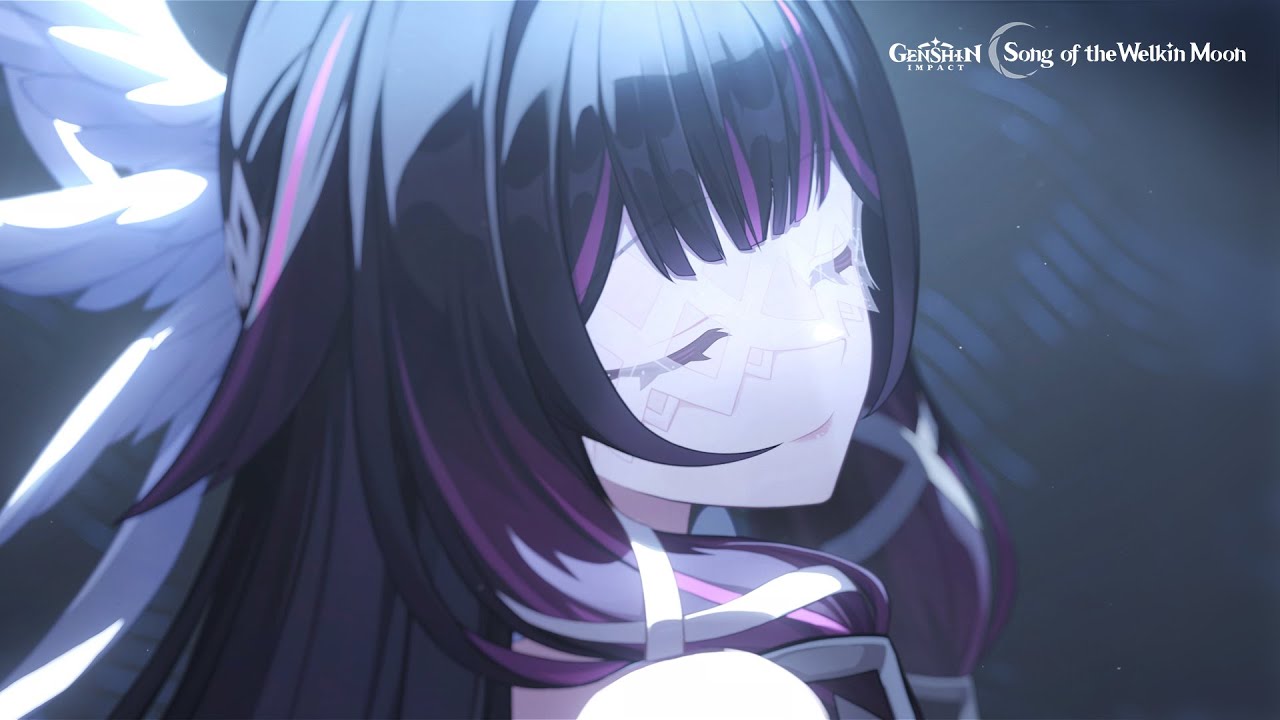
  • Genshin Impact @lemmy.world

    Jahoda Quick Guide - KQM

    kqm.gg /q/jahoda-quickguide/
  • Genshin Impact @lemmy.world

    Irminsul: Data exporter for Genshin Impact that utilizes packet capture instead of the common optical character recognition (OCR) that other scanners use.

    github.com /konkers/irminsul
  • Genshin Impact @lemmy.world

    Nefer Quick Guide - KQM
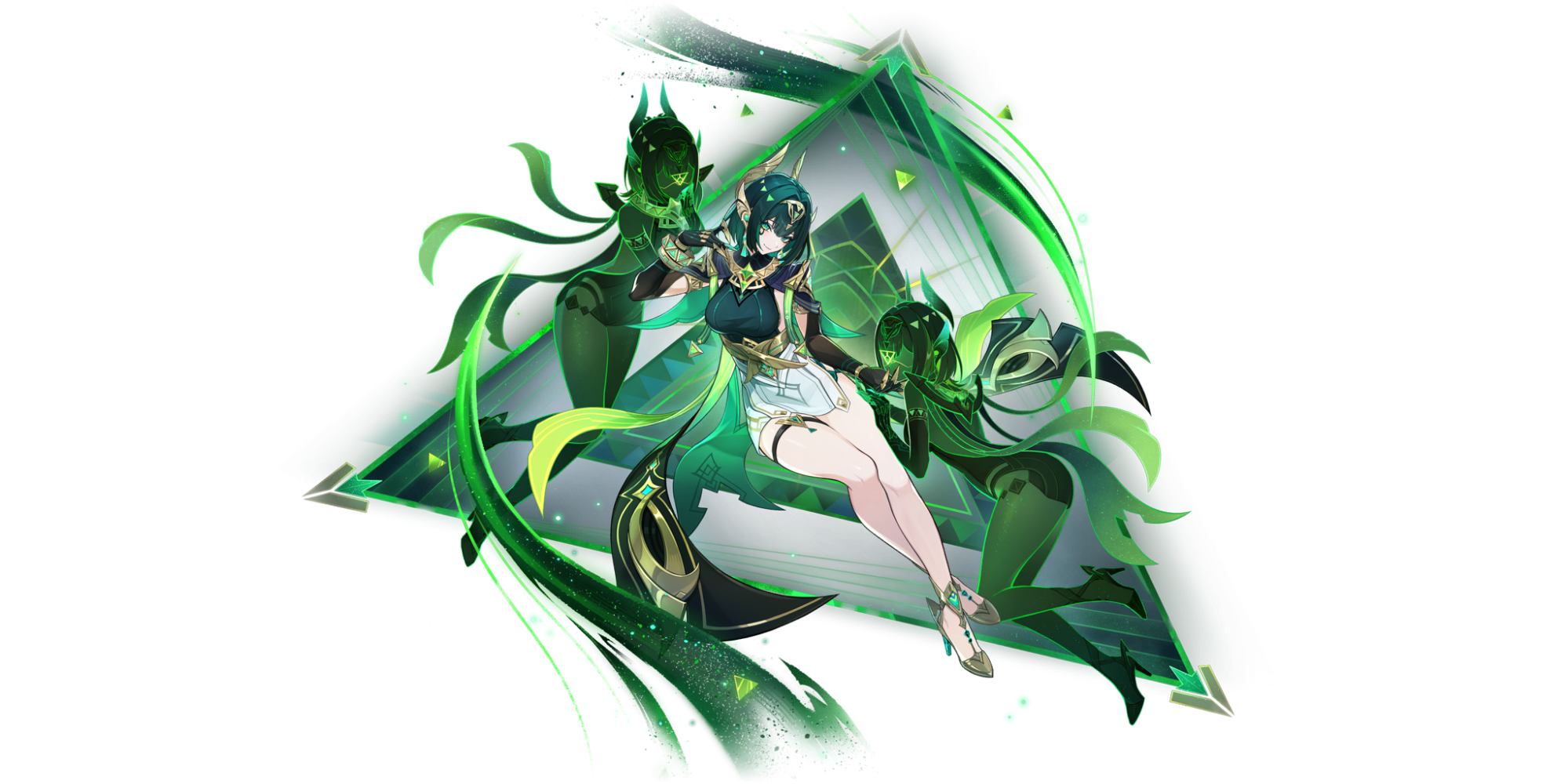
    keqingmains.com /q/nefer-quickguide/
  • Genshin Impact @lemmy.world

    Character Trailer - "Nefer: Shadowbearing Serpent" | Genshin Impact #GenshinImpact #Nefer

  • Genshin Impact @lemmy.world

    Flins Quick Guide - KQM
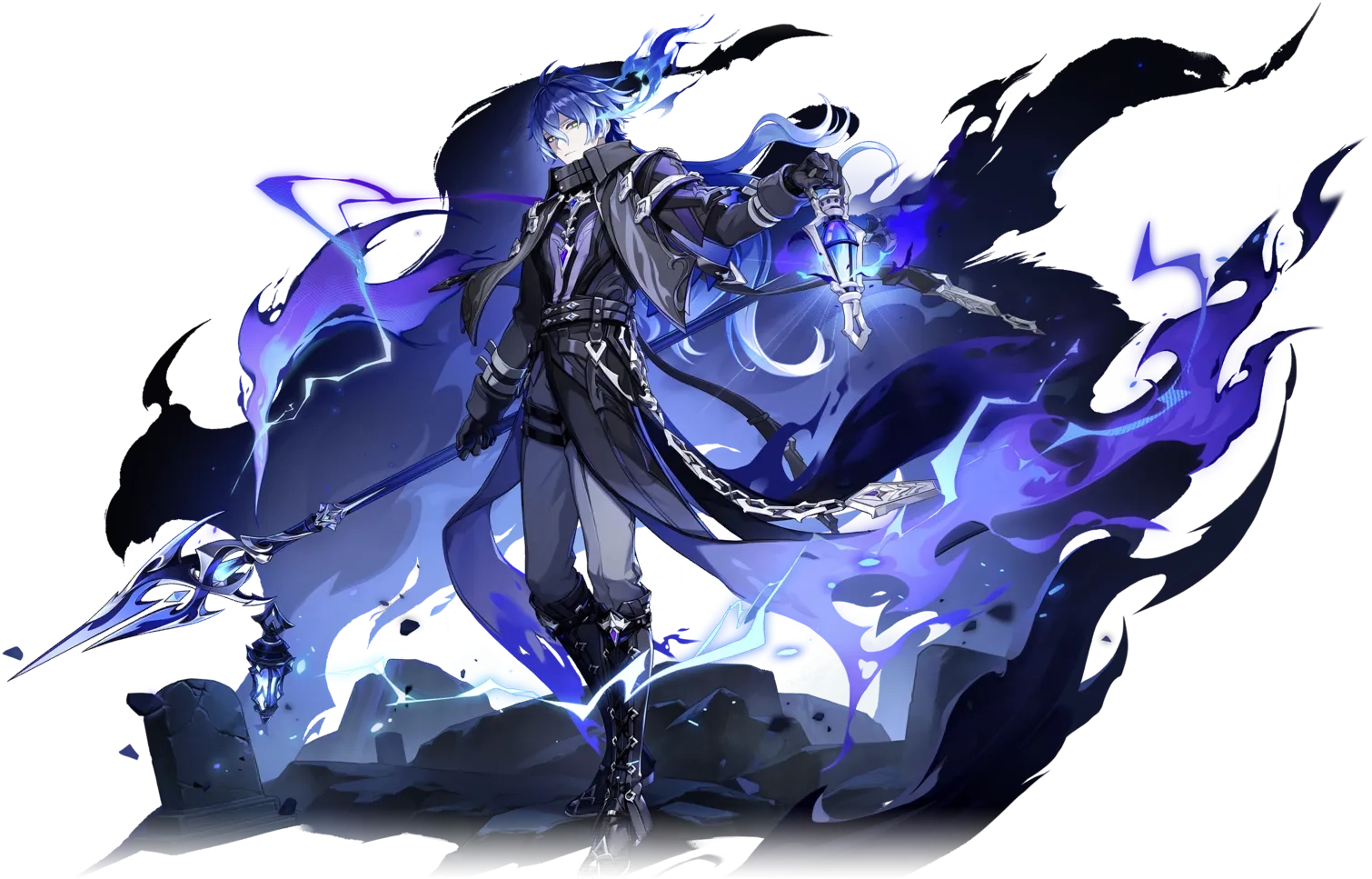
    keqingmains.com /q/flins-quickguide/
  • Genshin Impact @lemmy.world

    Aino 6.0 Infographic - KQM

  • Genshin Impact @lemmy.world

    Ineffa Quick Guide - KQM
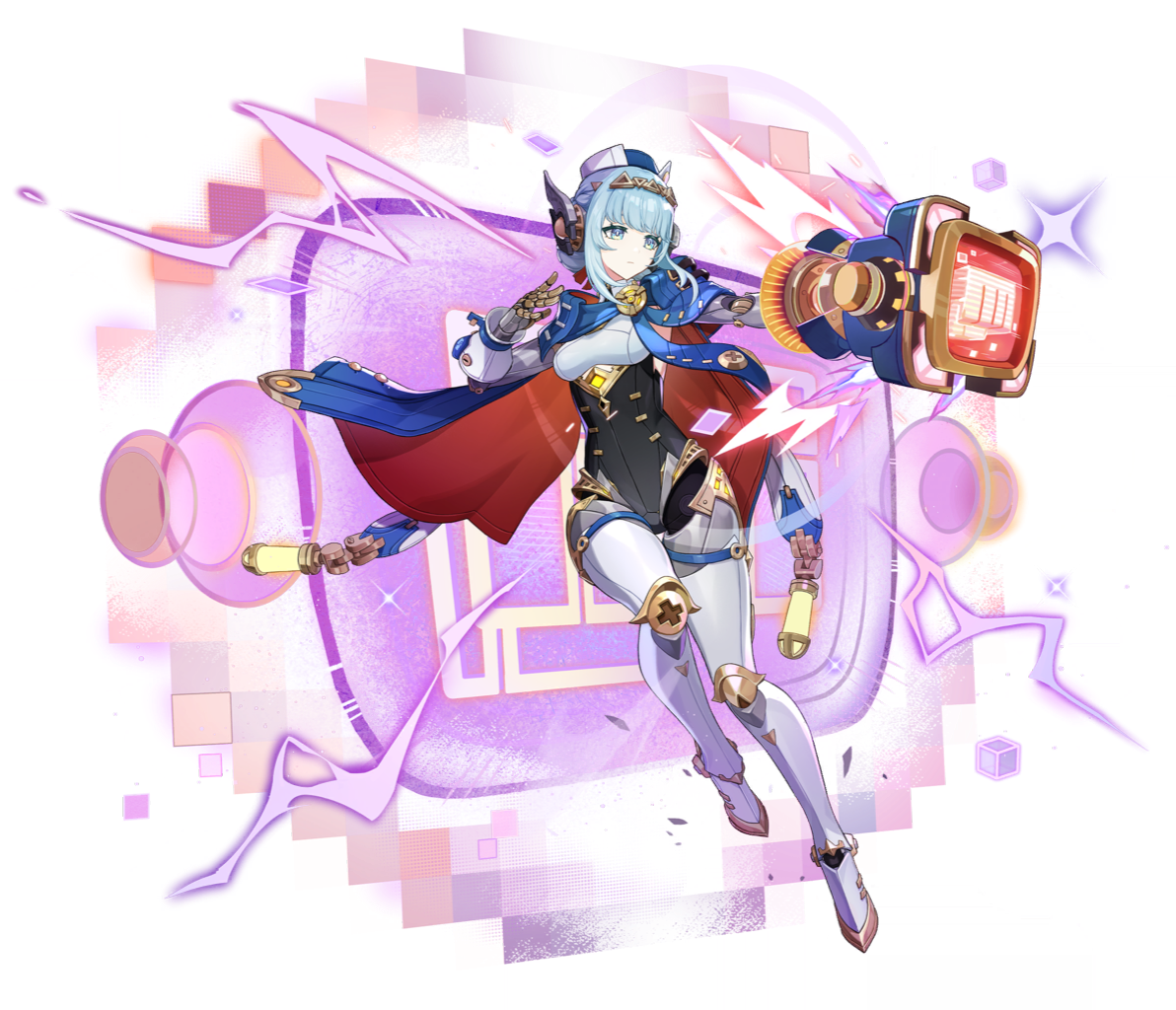
    keqingmains.com /q/ineffa-quickguide/
  • Genshin Impact @lemmy.world

    Song of the Welkin Moon Teaser: Moonlit Ballad of the Night | Genshin Impact #GenshinImpact